Humans and agents live in the same world
Your agent doesn't get a description of the environment, it gets the environment: same files, same database, same logs, same URLs. CLAUDE.md and AGENTS.md ship pre-written, so the machine explains itself.
Code fearlessly. Ship instantly.
Install once on one Linux machine: AI coding tools, production PostgreSQL, a filesystem that lives in the database, full observability, and HTTPS delivery the moment something works.

Why Piglet
No context ferrying between a laptop, containers, a hosting platform, and a database somewhere else. It all sits on one machine, standing on one PostgreSQL.
Your agent doesn't get a description of the environment, it gets the environment: same files, same database, same logs, same URLs. CLAUDE.md and AGENTS.md ship pre-written, so the machine explains itself.
JuiceFS keeps the workspace inside PostgreSQL, so /fs backs up, restores, and forks with the database. One thing to protect, not two.
pgBackRest PITR plus filesystem snapshots. Let the agent try the reckless thing; the safety net is real.
Copy-on-write clones give every branch, and every agent, its own database and workspace in seconds on the same machine.
Nginx Portal binds the domain, terminates TLS, renews certificates, and routes every service. The app and the data stay on your machine.
Config Studio
Choose the footprint, the host, the PostgreSQL profile, and what gets preinstalled. Deployable Pigsty configuration is written as you go.
Generated in your browser. Nothing is uploaded.
Observability
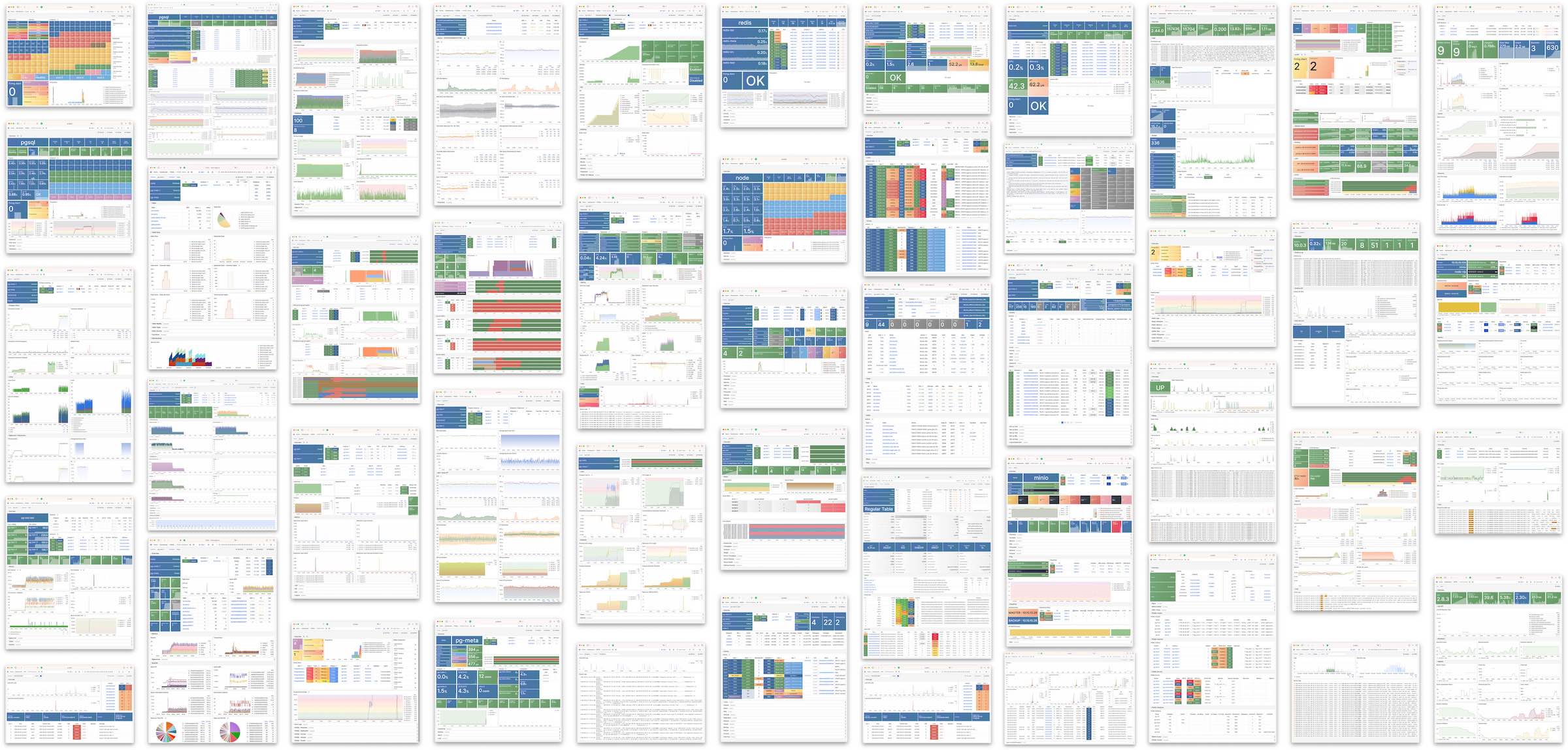
From Claude Code usage down to slow queries, host load, logs, and alerts, Piglet inherits the observability stack Pigsty already runs in production.
Documentation
Four paths — tutorial, task, concept, reference — so nobody has to learn how to read the documentation first.
Install to first data application, one step at a time.
Back up, restore, migrate, bind a domain, issue certs, ship.
The design behind architecture, storage, cloning, security, monitoring.
Exact entries for CLI, configuration, API, and built-in services.
Install
# 1 · get Pigsty
$ curl -fsSL https://repo.pigsty.io/get | bash

# 2 · generate the Piglet profile
$ cd ~/pigsty && ./configure -c vibe

# 3 · deploy and open the workspace
$ ./deploy.yml && ./juice.yml && ./vibe.yml